1. Review
We inspect available member, membership and schedule information.

A transition should improve daily work, not interrupt it. We agree which data and settings are needed and guide configuration.
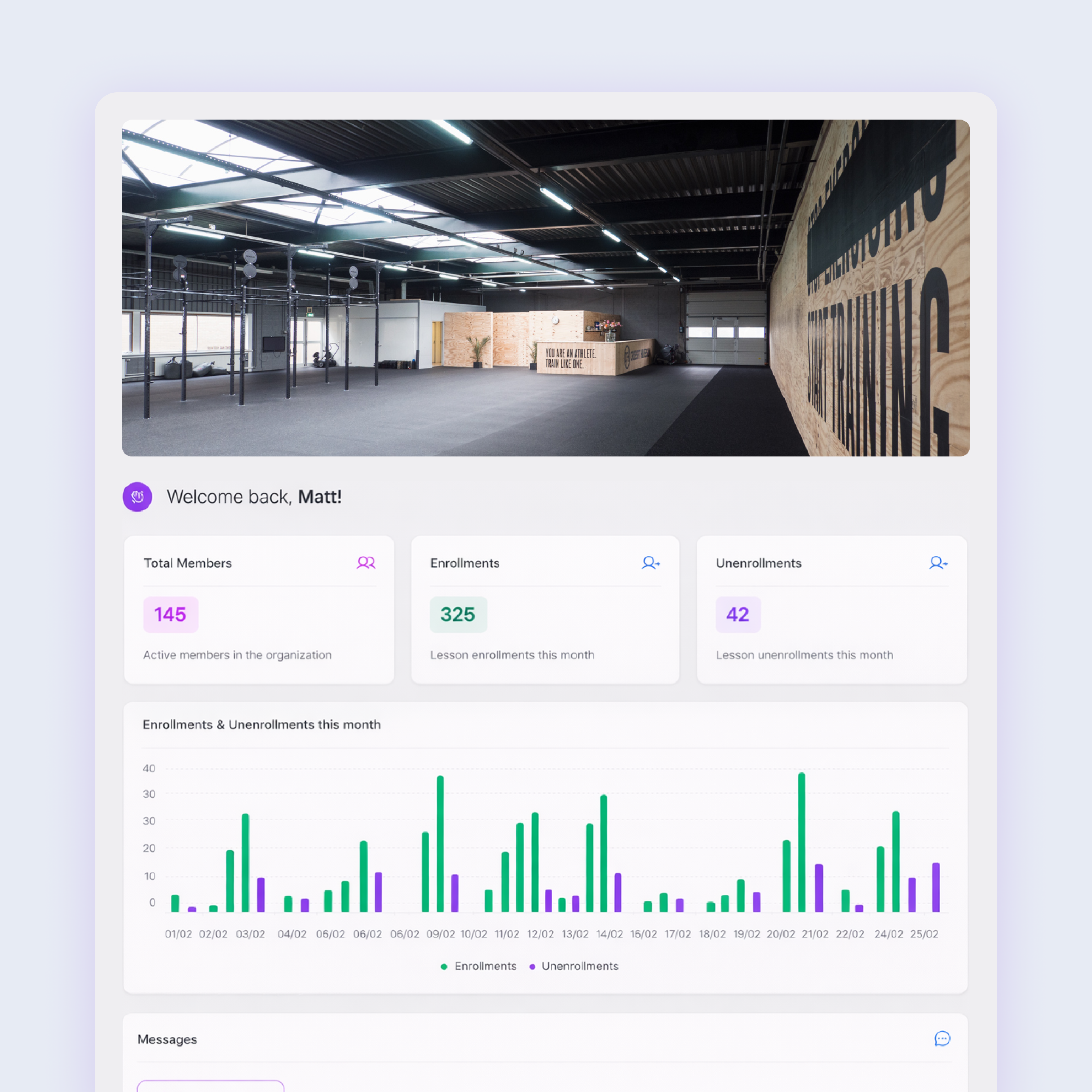
We inspect available member, membership and schedule information.
We set up the core workflow and verify supplied data.
Your team gets an introduction and help with the first practical questions.
Find answers to the most common questions about this part of Fitblocks.
That depends on the quality and format of your export. We assess this first and clearly state what is possible.
The aim is a controlled transition with minimal disruption. The exact approach depends on your current system.
Yes. You can use Fitblocks free for 14 days and test the most important features with your own workflow.
Yes. During a demo we discuss your situation, and when you start we help configure the most important settings logically.
Yes. The management environment and member experience are browser-based and work on modern devices and screen sizes.
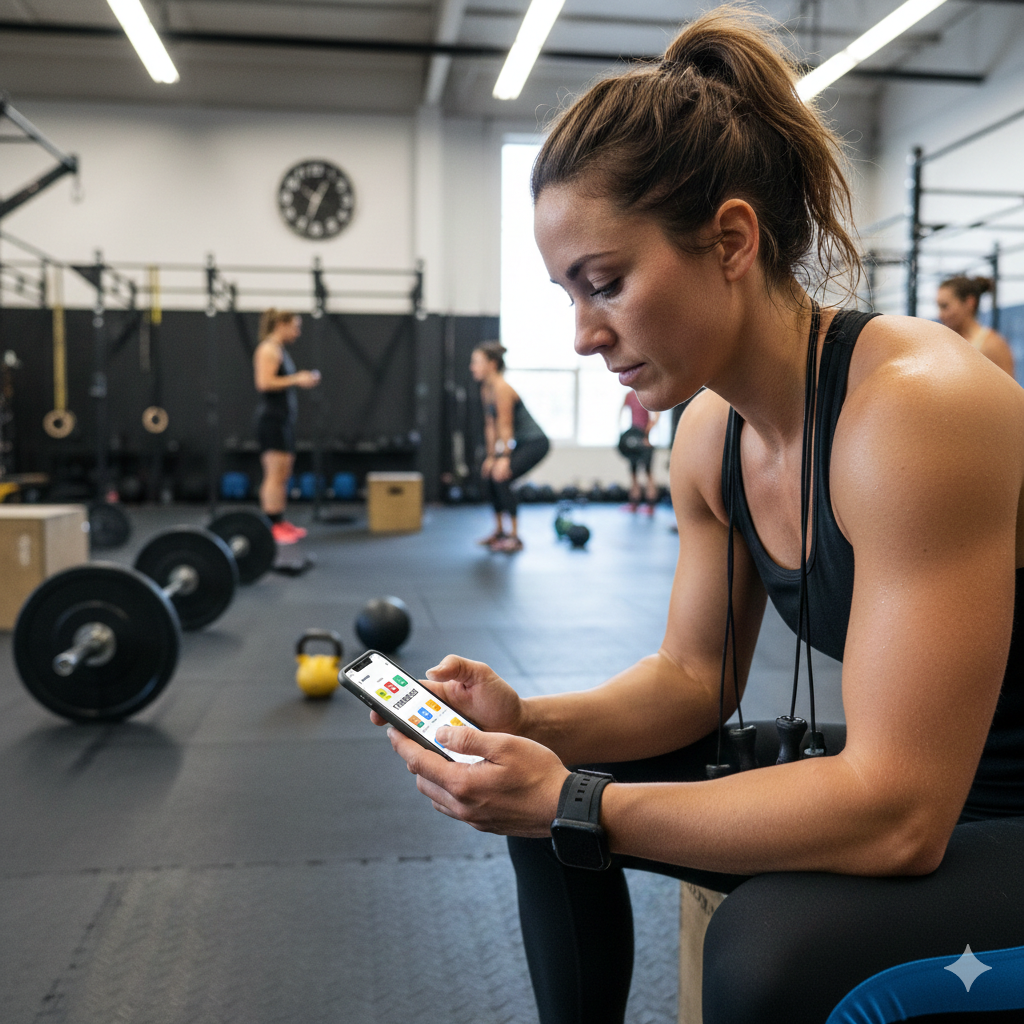
Fitblocks provides the solution for group classes, personal training or workshops for you and your customers.